
The Advanced Forms add-on version 1.5 features settings to sort and search for a specific value in your “Selectbox” type custom fields.
This is especially useful when the selecbox has many options, your customers will be able to easily find the desired value without checking each item in the list.
You will find these options in the form field settings, as well as in the custom field’s global settings.

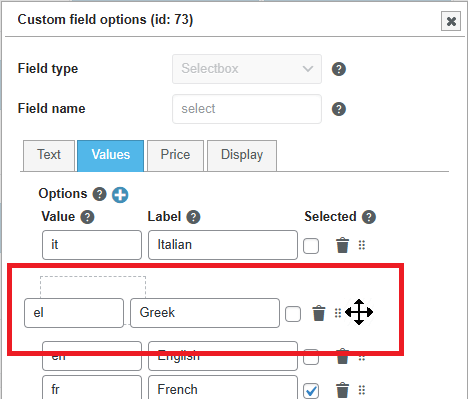
To sort your options in a custom order, you can manually drag and drop them to the desired position.
Before saving your changes, notice the “Apply to all fields” option. This will ensure that this selectbox is the same in all your booking forms.
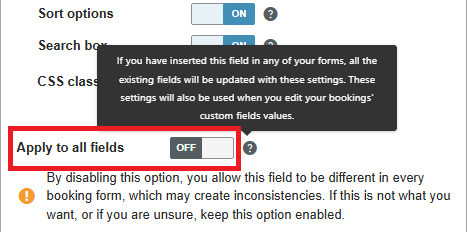
If you want to customize the selectbox depending on the form, you can disable this option, but make sure that all the values of all your selectboxes are set in the custom field’s global settings.