
New notification options have been added to the Notification Pack add-on between versions 1.4 and 1.5.
iCal file attachment
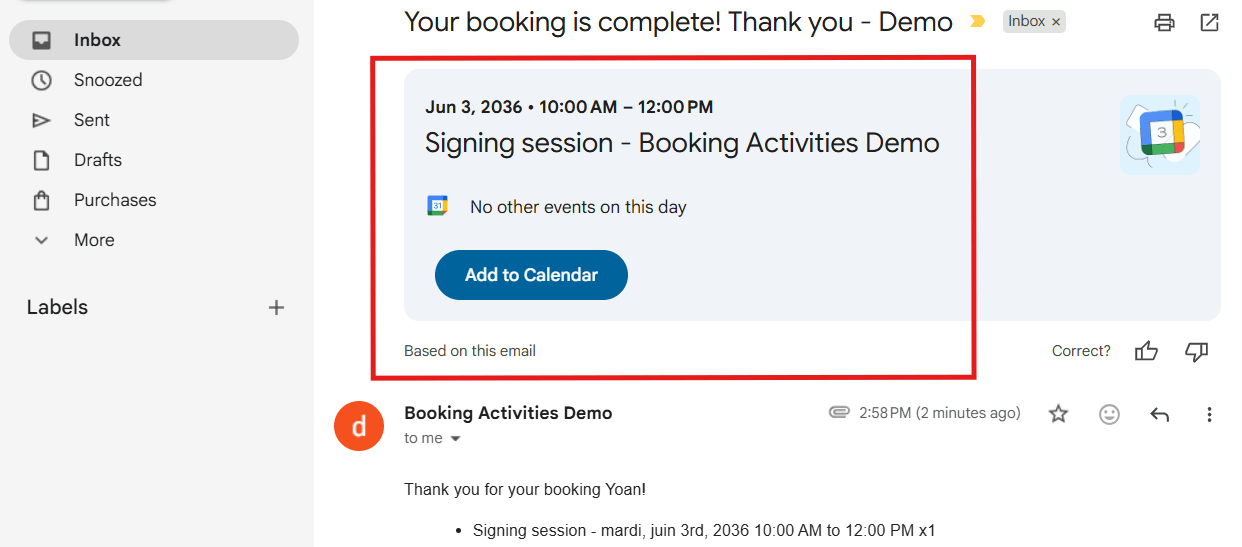
New booking email notifications sent to the customer can now include an iCal file attachment, automatically generated on the fly. This file is recognized by most email clients, which then offer the user the option to add the event to their favorite calendar application.
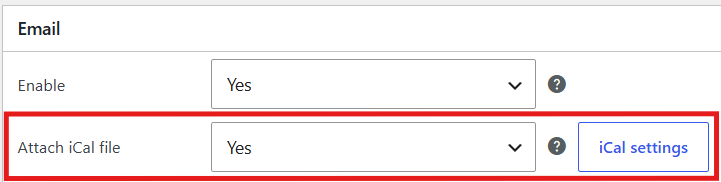
This option is available in the settings of the following notifications:
- Customer – A new booking has been made
- Customer – Booking status turns to “Booked”
- Customer – Booking status turns to “Pending”
- Customer – Booking is rescheduled
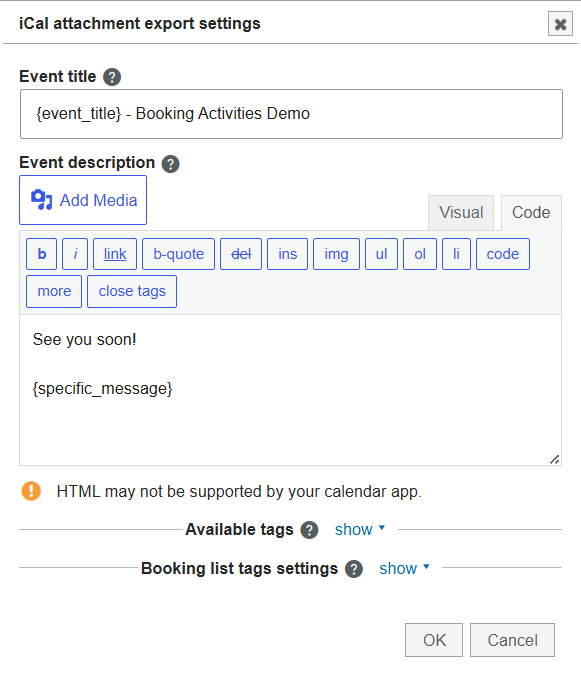
You can configure the iCal export to customize the event (title, description, etc.) that will be added to the customer’s calendar app.
New notification filters
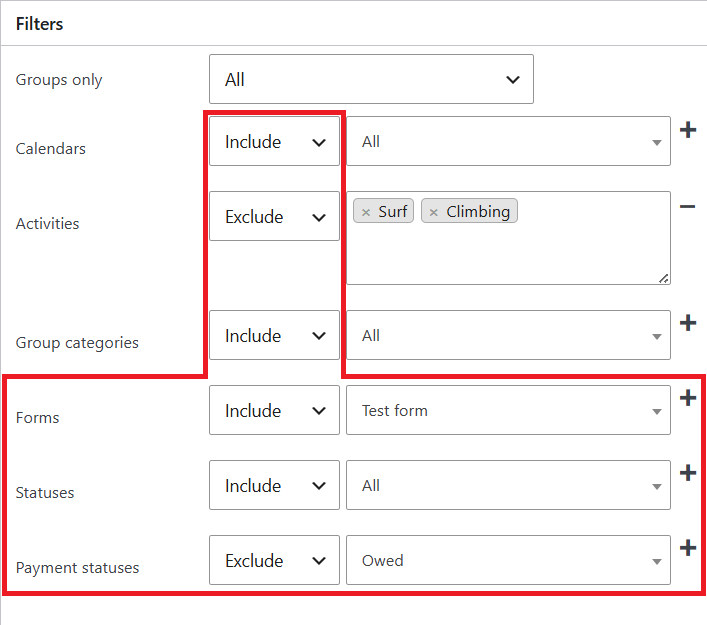
Notifications can now be filtered by form, booking status, and payment status, in addition to the existing filters: by calendar, activity, and group category.
Furthermore, all these filters can now be set to inclusive or exclusive mode.
Administrator custom message
The administrator can now add a message on the fly when sending a notification manually, or when changing a booking’s status or date.
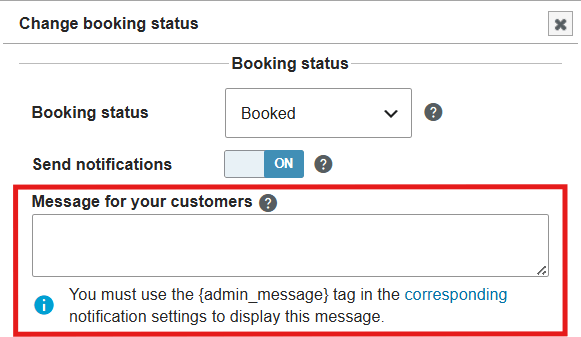
You must add the {admin_message} tag to your notifications wherever you want the message to appear.
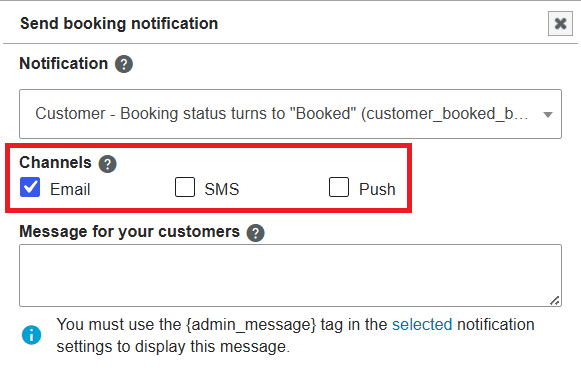
Manual notification: channel selection
When manually sending a notification via the admin panel, you can now choose which channel(s) to use (email, SMS, Push).
Booking pass expiration notification
⚠ Required: Prices and Credits add-on
If you use the Prices and Credits add-on alongside the Notification Pack add-on, you can now configure automatic notifications sent before or after a booking pass expiration date.
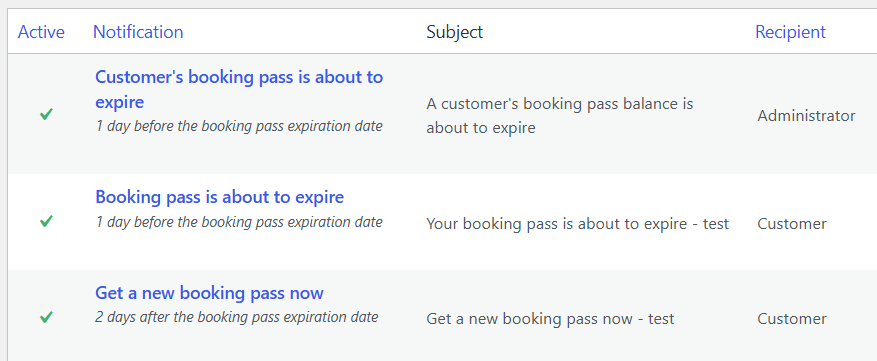
Find more information in the article “Prices and Credits 1.9 – Notifications for booking passes“.